













Automate Appointments and Timelines on WhatsApp Flows
Let clients pick dates, select practitioners, and book appointments inside WhatsApp. Sync with Google and Outlook calendars, collect deposits, and reduce no-shows with automated reminders.
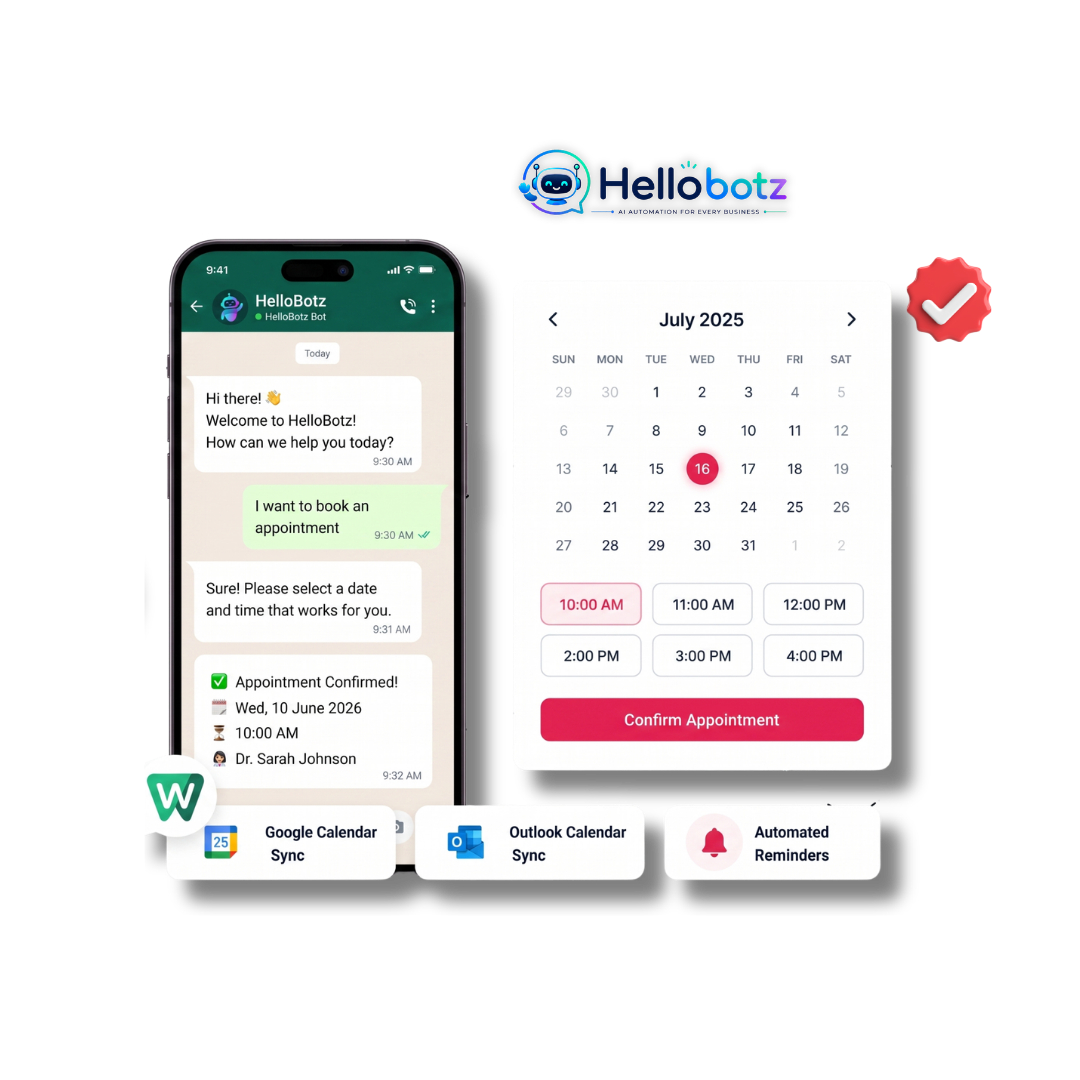
The In-Chat Booking Journey
Provide a complete self-service scheduling journey directly within WhatsApp conversations without redirects.
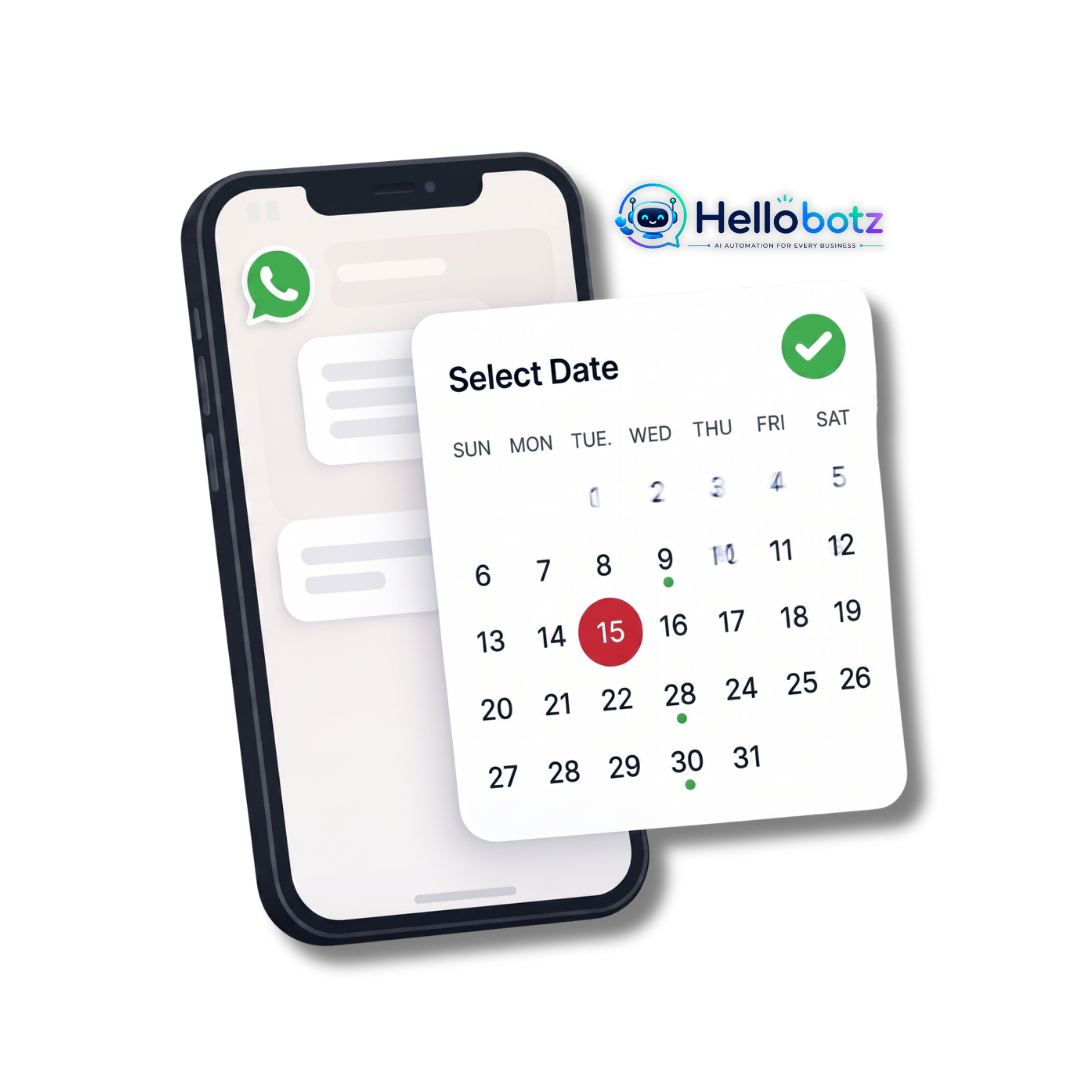
Browse & Select
Clients browse availability dates and pick specialist slots natively inside WhatsApp — no website redirects needed.
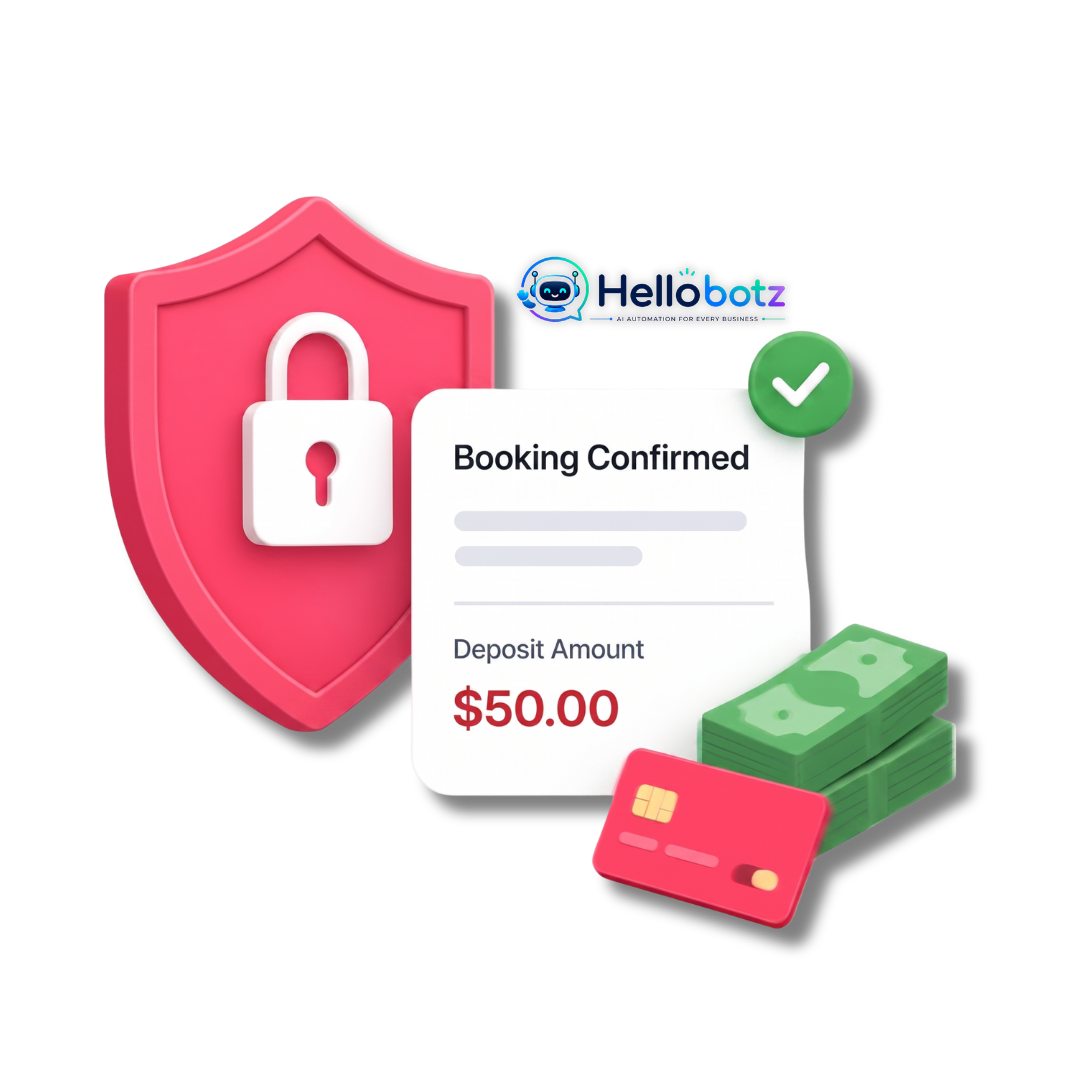
Deposit & Lock
Reduce no-shows by collecting secure booking deposit fees directly inside the chat with one-tap payment.
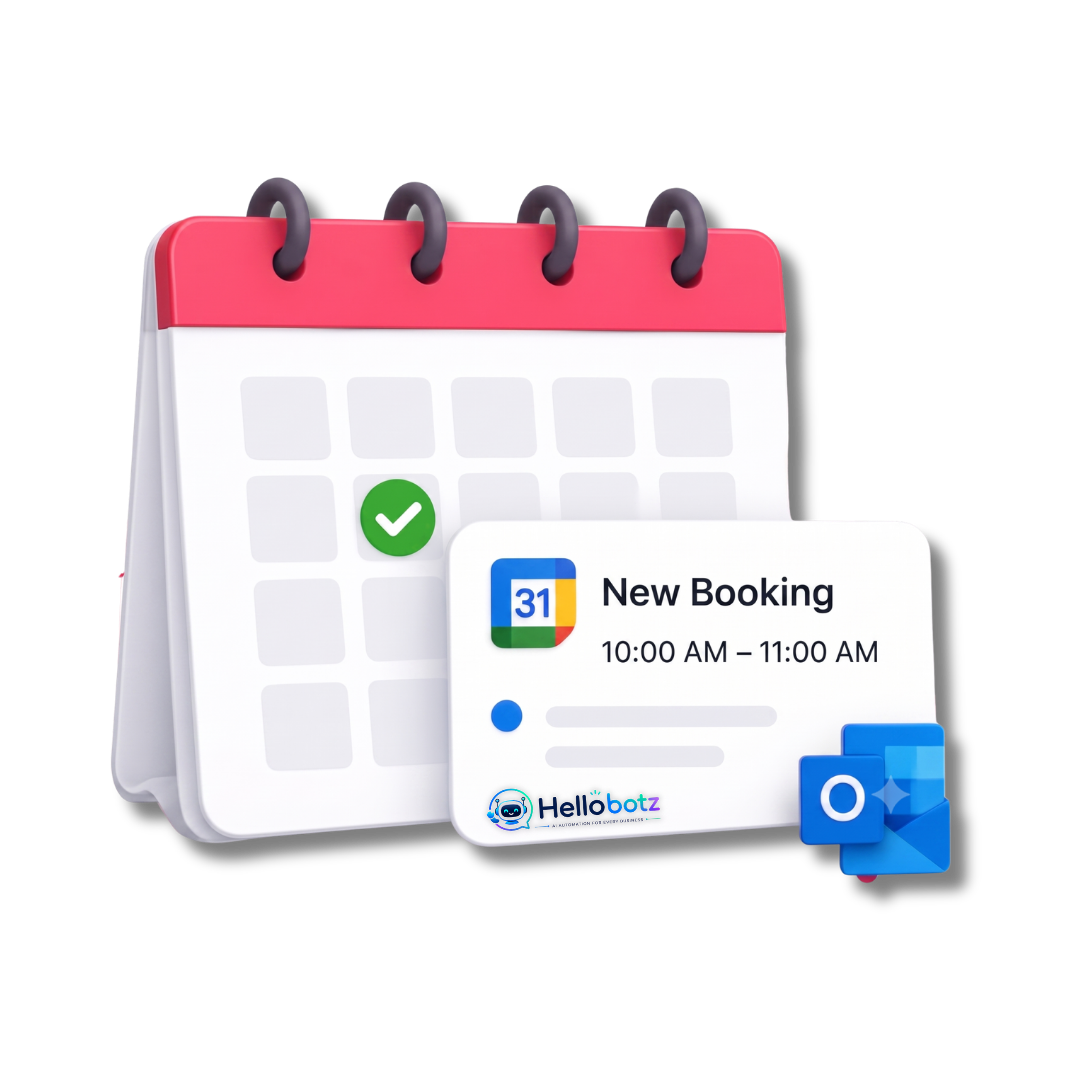
Calendar Sync
Reserved slots write immediately to Google/Outlook calendar to block conflicts in real time.
Real-Time Scheduling Automation Examples
See how medical, salon, sales, and automotive teams eliminate booking friction.
Medical Clinics
Patients select doctors, choose open times, and answer simple pre-consultation health questions straight from WhatsApp chat bubbles.
Spas & Salons
Beauty salons and spas let customers choose specific therapist operators, book massage slots, and secure bookings via reservation links.
Sales Demos
B2B consultancies sync corporate Google calendars. When prospects interact with the WhatsApp Flow, they book Zoom video meet calls.
Automotive Test Drives
Dealerships allow potential car buyers to select vehicle models and reserve preferred test-drive test slots directly.
Robust Appointment Scheduling Architecture
Built on official WhatsApp Flows to guarantee zero drop-offs and seamless calendar locking.
Native WhatsApp Flows
Build multi-step scheduling forms that display calendar lists natively inside WhatsApp without loading web browser links.
Calendar Integrations
Establish bi-directional updates with Google Calendar, Outlook, and major CRM sheets to block booked slot items instantly.
No-Show Reminders
Dispatch automated follow-up warnings (24 hours or 2 hours prior) via WhatsApp, helping businesses cut down missed bookings.
Rescheduling & Cancellations
Let clients manage their appointments with one-tap reschedule or cancellation buttons right in their confirmation chat.
Questions about Scheduling?
Common questions about real-time calendar syncing, buffer times, and multi-timezone handling.
Automate your appointments on WhatsApp
Save 15+ hours each week on scheduling back-and-forth and cut no-show rates by 80%.