












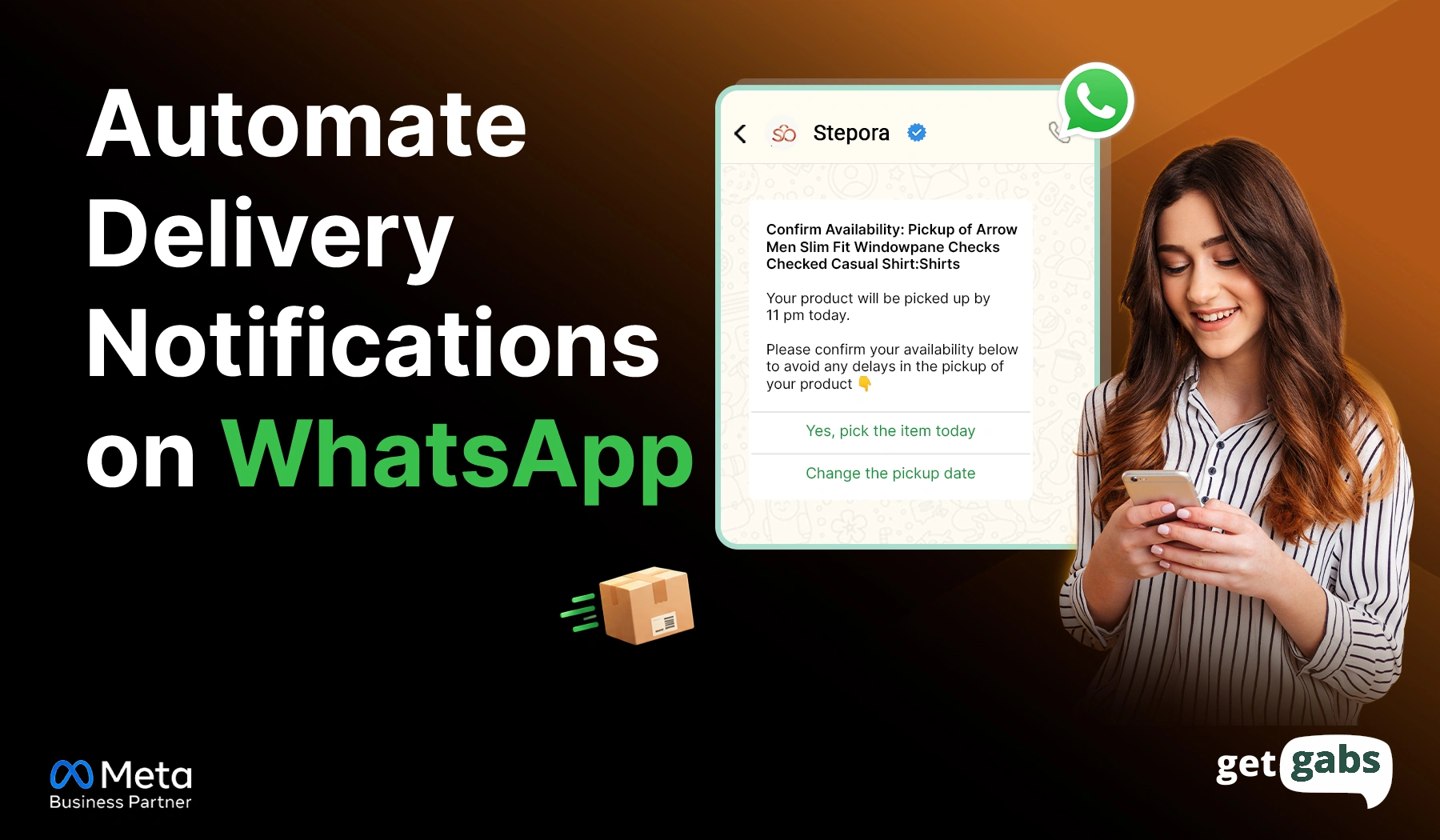
- Automated WhatsApp delivery notifications are system-triggered messages sent automatically via WhatsApp Business API whenever order status changes.
- WhatsApp beats email and SMS with an open rate of 98% and helps businesses send instant delivery updates, reducing “Where is my order?” queries, lowering support costs, and letting customers reply with a tap.
- When an order status changes, the WhatsApp API automatically sends a personalized delivery update to the customer based on a pre-approved message template.
- To automate WhatsApp delivery notifications, you need API access → connect your stores → create approved templates → map your triggers → test & go live.
- Most delivery templates fall under the WhatsApp Utility message category, which easily gets approved and costs less when compared to marketing messages.
- With an AI-based WhatsApp automation platform like HelloBotz, businesses can get instant access to the API at 0% markup, connect their store, create approved templates, and send real-time automated delivery updates to keep customers informed.
Learning how to automate delivery notifications on WhatsApp helps e-commerce businesses keep their customers updated at every stage of the delivery process. Think about what happens after a customer clicks “Place Order.”
They want to know: Has the order been confirmed? When will it ship? Where is it right now? Will it arrive today? Get these updates wrong, and you will lose customers. And they will start looking elsewhere.
That’s where you can use the WhatsApp API for e-commerce to automate delivery notifications. It lets businesses send automated order confirmations, shipping updates, tracking links, out-for-delivery alerts, and delivery confirmations without any manual typing.
For an online store, this can turn a basic delivery process into a better customer experience. Instead of asking “Where is my order?”, customers can get the answer directly on WhatsApp. In this guide, we will learn how to automate delivery notifications on WhatsApp to boost customer experience.
What Are Automated WhatsApp Delivery Notifications?
Automated WhatsApp delivery notifications are system-triggered messages sent automatically via WhatsApp Business API whenever order status changes. Backend software detects a shipping change and sends messages instantly without anyone typing them manually.
These messages usually cover:
- Order confirmation
- Payment confirmation
- Order processing update
- Shipping confirmation
- Tracking information
- Out-for-delivery alert
- Delivery delay notification
- Failed delivery update
- Delivery confirmation
For example:
Order status changes from “Shipped” → “Out for Delivery”. The system automatically sends:
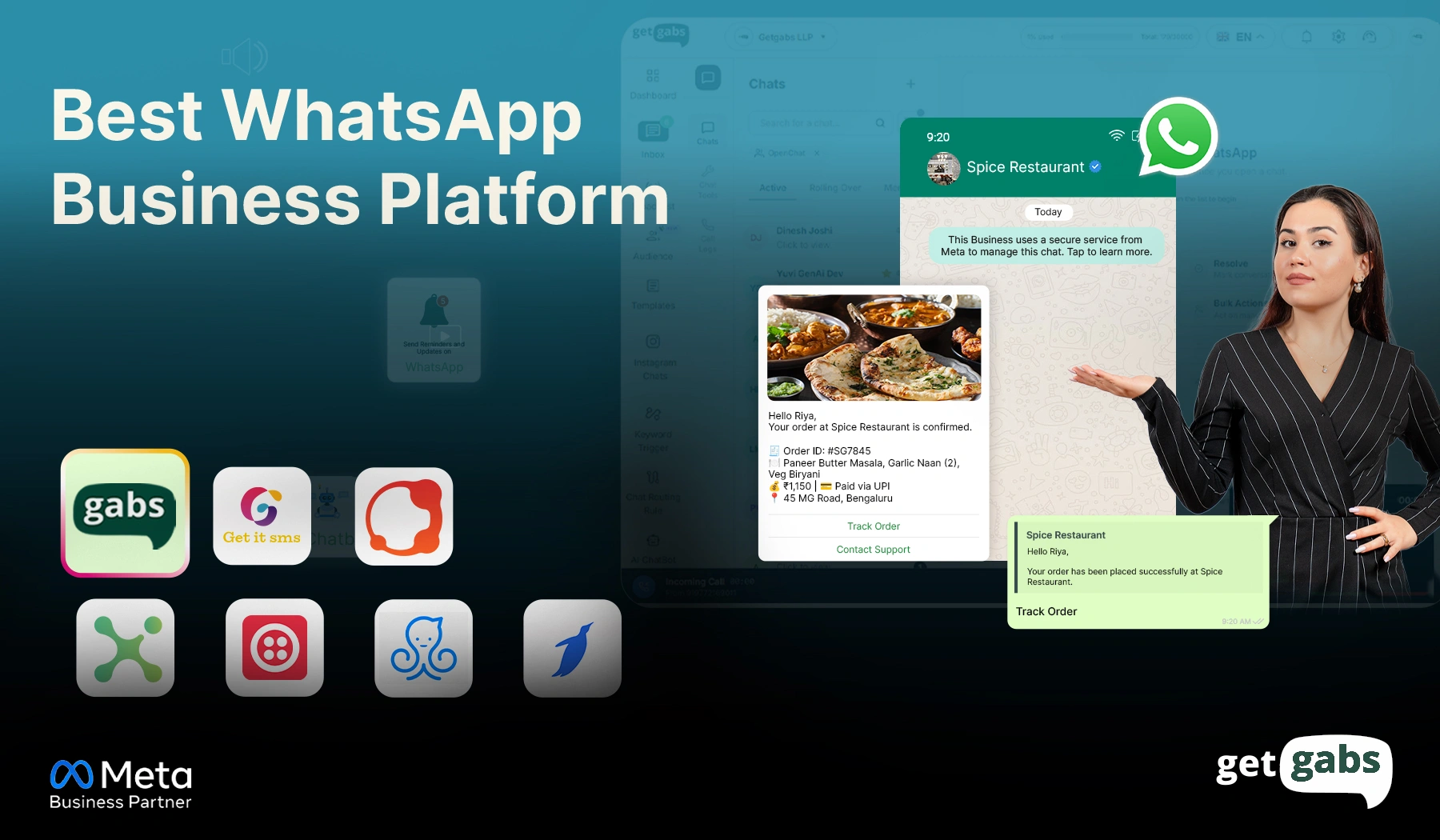
“Hi Roy, your order [Order Number] is confirmed. Thank you for shopping with [Brand Name]. Track your order status here: [Track Link]”
These notifications need a pre-approved template before they can be used for sending automated customer updates via WhatsApp API. Companies that have already implemented WhatsApp to send automated messages like greetings and replies can extend the same setup to cover delivery updates too.
Why Automate Delivery Notifications on WhatsApp?
Customers don’t want to keep checking an order page again and again to know where their package is. Automating delivery notifications on WhatsApp enables brands to deliver quick answers while reducing the support team’s workload.
Here’s why to use WhatsApp for automated delivery updates:
1. Reach Customers Where They Already Are
| Channel | Open Rate | Speed | Extra Features |
| 95–98% | Instant | Tracking links, buttons, photos | |
| 20–25% | Slow | Can land in spam | |
| SMS | 35–45% | Fast | Limited to plain text |
With higher visibility and interactive features, delivery updates sent via WhatsApp are more likely to be seen and read by customers.
2. Fewer “Where Is My Order?” Queries
When customers get regular updates about their order, they have less reason to message or call the support team. This frees up your team and enables them to focus on more important customer queries.
3. Improve Customer Experience
Customers feel more confident when they have real-time updates regarding their order. It not only reduces uncertainty but also improves overall customer experience.
4. Save Time and Reduce Manual Work
Sending delivery notifications one by one can be a bit time-consuming and prone to error. Using WhatsApp API automation, e-commerce brands can send delivery updates automatically the moment the status changes. It saves time and lowers the workload.
5. Enable Two-Way Communication
The best part about WhatsApp is its two-way communication. It lets customers ask queries, share delivery instructions, and report issues directly via WhatsApp. This creates real-time connections and resolves customer queries more quickly.
This is where AI-powered WhatsApp automation tools add even more value by handling replies and follow-up questions without adding to your team’s workload.
How Does WhatsApp Delivery Notification Automation Work?
Automated delivery notifications work by connecting your store, CRM, or logistics system to the WhatsApp Business API. Here’s how it works:
Step 1: An Order Event Happens: An order moves to a new stage, like placed, shipped, or out for delivery. This change in status is called a trigger that starts everything.
Step 2: Condition Check: Once the order status changes, the system checks the trigger and identifies which notification to send.
Step 3: The Right Template Gets Picked: Based on that check, the system automatically chooses a pre-approved template. Plus, it gets personalized by adding the customer’s name, order number, and tracking link. Learn more about WhatsApp interactive message templates.
Step 4: The Message Is Delivered: The message is automatically sent via WhatsApp Business API and lands directly in the customer’s chat window.
Step 5: Data Syncs and Handoff Happens: Each update gets logged in your CRM or helpdesk. So if a customer replies, like asking to reschedule a failed delivery, your support team has complete context of order history and steps in without asking the customer to repeat anything.
Delivery Notification Trigger Points You Should Automate
You don’t need to send a WhatsApp message for each logistics event. Sending too many notifications can annoy them and lead them to ignore your message.
Instead, focus on the order stages that actually matter. But every stage requires a WhatsApp message template approved by Meta and proper customer opt-in consent.
| Trigger Event | Template Category | What to Include |
| Order placed | Utility | Order number, items, confirmation |
| Payment received | Utility | Payment amount, order status |
| Order shipped | Utility | Courier name, tracking link |
| Out for delivery | Utility | Delivery time window |
| Delivery delayed | Utility | New expected date |
| Delivery attempt failed | Utility | Reason, reschedule option |
| Order delivered | Utility | Delivery confirmation, feedback request |
Most of them fall under the WhatsApp Utility message category. These templates get approved faster. Tracking links and courier names can also sync automatically by integrating WhatsApp with logistics tools like Shiprocket, while reducing manual data entry.
One trigger that brands often skip is the failed delivery attempt. Rather than just asking “delivery failed,” a good message lets the customer fix it with interactive buttons like quick-reply buttons.
Like, “Hey Sia, we tried delivering your order, but no one is available for pickup. Tap “Reschedule” to pick a new time or tap “ Cancel” to confirm cancellation.
It turns a one-way alert into a seamless two-way conversation that helps online stores resolve customer queries instantly.
How to Automate Delivery Notifications on WhatsApp?
Setting up might sound technical, but it comes down to following a few simple steps:
Step 1: Get API Access and Verify Your Business
Start by connecting with an official WhatsApp Business API provider like HelloBotz to get instant access to the API. Now, verify your business in Meta Business Manager to send automated delivery notifications at scale.
If you’re new to the API, you can also read this guide on how to apply for the WhatsApp Business API.
Step 2: Connect Your Store
Link your WhatsApp API to your CRM, e-commerce tools like Shopify, or shipping software. It lets order and delivery data automatically trigger notifications the moment the order status changes.
Step 3: Create and Approve Your Templates
Create and apply WhatsApp Business API message templates for delivery notifications like order confirmation or shipping updates. Add a CTA button and submit the template for Meta approval.
You can even deploy an AI chatbot to handle delivery queries, share tracking links, and FAQs with Getgab’s drag-and-drop AI chatbot builder.
Step 4: Set Up the Trigger and Action
Define the event triggers that should fire messages, like Order Shipped or Out for Delivery. Then map out customer data fields such as name, order ID, and tracking link. Once mapped, the system will automatically fill them.
Step 5: Test and Go Live
Before going live, test an order and walk through each stage. Make sure all your workflow and tracking links are working correctly. Once it looks right, switch the workflow on for real customers.
WhatsApp Delivery Notification Templates Examples
Below are some ready-to-use delivery notification templates for each stage of order processing:
- Order Confirmed
“Hi [Customer Name]. Whooo, your order [Order ID] is confirmed. Thank you for shopping with [Brand Name]. We’ll notify you once it ships.”
- Shipping Notification
“Good news, [Customer Name]! Your order #[Order ID] has been shipped. The expected delivery date is [Date]. Track your order here: [Tracking Link].”
- Out-for-Delivery Notification
“Hey [Customer Name], your order [Order ID] from [Brand Name] is arriving today. Tap the button below to let us know if you’re available to receive it or want to reschedule it.
Button: [I’m Available] [Reschedule Delivery]”
- Delivery Delayed
“Hey [Customer Name], your order # [Order Number] is running a bit late due to an unexpected delivery issue. Your new delivery date is [Date]. We sincerely apologize for the inconvenience.”
- Delivery Confirmation
“Your order has been delivered. Hey Sia, your order #[Order Number] was successfully delivered. We hope you like your order. Thank you for shopping with [Brand Name].”
Best Practices for WhatsApp Delivery Notifications
Here are some basic practices to follow for the best WhatsApp delivery notification outcomes:
- Keep Messages Short: Make sure your customers understand updates within five seconds or less. Keep your message to the point with the proper order number and what to do next.
- Use the Right Template Category: Delivery updates fall in the Utility category. Select the proper WhatsApp template category to ensure adherence to policies and effective delivery.
- Deliver at the right time: Send updates on order status instantly the moment the order status changes. Late ones can lead to confusion and decrease trust.
- Obtain Proper Opt-In Consent: Make sure your customer explicitly agrees to receive updates from your brand before sending an automated alert. Here’s how you can collect WhatsApp opt-in from customers.
- Add Tracking Links and CTA Buttons: Make it easy for customers to track their orders, reach support, or reschedule deliveries with just a tap.
- Personalize All Notifications: Include the customer’s name/ order number to add a personal touch to the message. It strengthens trust and improves engagement.
Conclusion
Knowing how to automate delivery notifications on WhatsApp changes how customers experience your brand after they click the “Place Order” button. Instead of guessing where their package is, it keeps customers informed, reduces support calls, and helps deliver a smoother customer experience. From order confirmation notifications to final delivery messages, automated delivery notifications sent via WhatsApp API help customers stay updated at each stage of their journey.
The key to its success is to set up the right triggers, use approved templates, and stick to compliance. When done in the right manner, they not only improve customer satisfaction but also reduce manual workload and lower support costs. If you’re looking for an easy way to get started, HelloBotz offers you everything you need to automate WhatsApp delivery notifications. It is an AI-based WhatsApp automation platform built on the official Meta API that helps you connect your store, get template approval fast, and start sending automated delivery notifications without any markup on Meta fees or technical friction.